


Why This Matters
Starting a new .NET app often involves installing large SDKs, configuring environments, and setting up tooling before writing the first line of UI code. That friction can be a barrier — especially for newcomers, educators, or teams exploring ideas.
XAML.io changes that. By moving the visual development experience into the browser, it lets you:
- Prototype ideas quickly without local setup.
- Add a UI to existing console apps in minutes.
- Learn and experiment with XAML in a zero-install environment.
- Focus on your app logic, not tooling configuration.
- Switch to offline development at any time, by downloading a standard Visual Studio project that runs on open-source technologies.
“I must say, I DIG this.”
— ZayLarsson on Reddit (source)
“I had dreams about this 10 years ago.”
— Prod_Meteor on Reddit (source)
What’s New in Preview v0.5
Earlier preview versions of XAML.io focused on designing a single XAML file online — great for layout experiments, but limited for real scenarios.
With Preview v0.5, you can now work with entire projects that combine XAML and C# code-behind, directly in the browser.
Here’s what’s new:
Full project editing — Edit XAML and C# files (using the Monaco editor for code).

Code-behind support — Add event handlers and logic in C#, just like in traditional .NET apps.

Familiar environment — Designer, Solution Explorer, and editor in a VS-like layout.

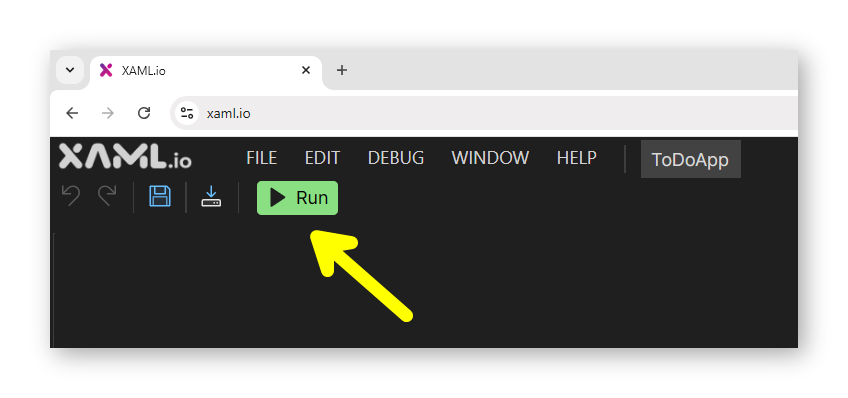
Instant execution — Click Run to launch your project in the browser.
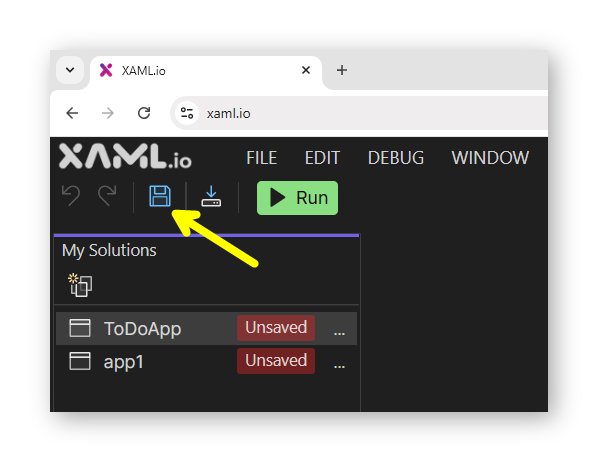
Cloud saves — Save projects and pick up where you left off.
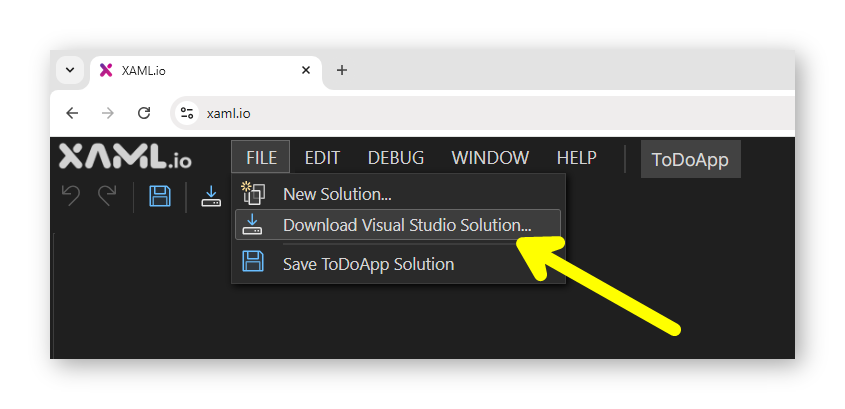
Download to Visual Studio — Export as a ZIP and continue offline at any time.
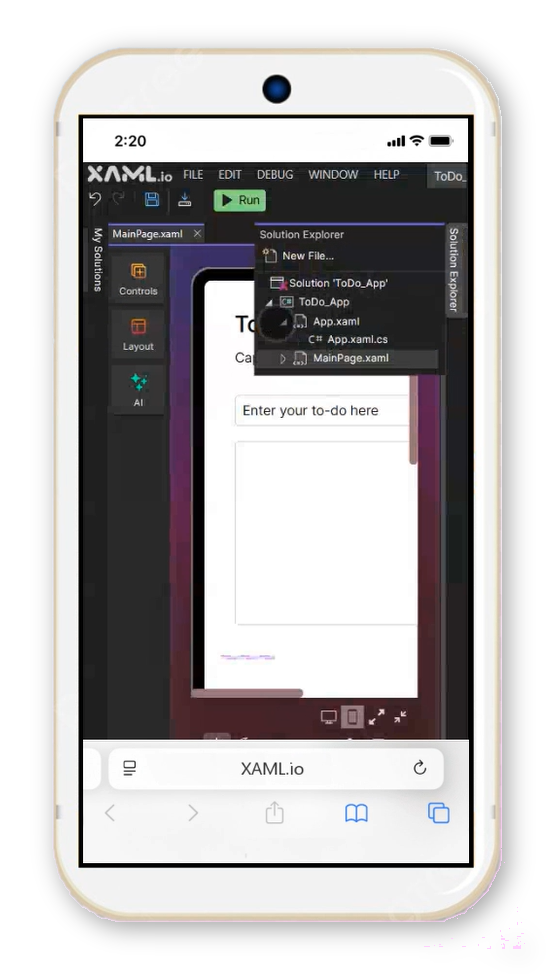
Cross-platform — Works on any modern browser, desktop or mobile.
(Mobile support is still early, with improvements planned)
XAML dialect — Uses WPF XAML (subset, growing). MAUI support is under consideration.
You’re Not Locked In
One of the core design principles of XAML.io is developer control.
Every project can be downloaded as a standard Visual Studio solution, and the underlying runtime (OpenSilver) is fully open-source. This means you can start quickly online, then continue locally at any time — without being tied to a proprietary format or service.
Think of XAML.io as a frictionless on-ramp to .NET development, not a walled garden.
Looking Ahead
Preview v0.5 is an early but important step toward a bigger vision:
To make XAML.io the most approachable way to get started with .NET — lowering barriers for beginners, educators, hobbyists, and rapid prototypers.
Here’s what’s coming next:
Project sharing via link — Share your XAML.io projects easily with a single URL.
One-click deployment — Instantly publish and share running apps online.
IntelliSense support — To improve the C# editing experience.
Improved mobile experience — Making it easier to work on the go.
VB.NET and F# support — Expanding language options beyond C#.
Expanded WPF compatibility — Continuing to broaden the supported XAML subset.
Improved performance — Aiming for near-instant loading and snappier interactions.
MAUI support — Being considered for the future (not planned short-term).
 Suggest or vote on features: https://feedback.xaml.io